Creating a home office space that feels cozy and inspires productivity can make a big difference in your workday. Whether you’re freelancing, working remotely full-time, or just need a dedicated spot for occasional tasks, a thoughtfully designed office can enhance your focus and comfort. Here are some tips to help you set up a home office that works for you.
Choose the Right Location
Selecting the best spot in your home is the first step. Ideally, pick a quiet area with minimal distractions, natural light, and enough room for your work essentials.
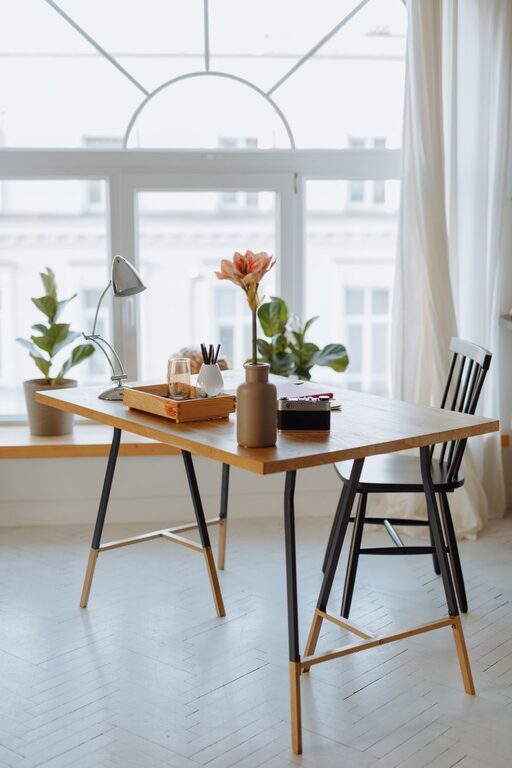
Consider natural light
Sunlight not only boosts mood but also reduces eye strain. Position your desk near a window if possible. If natural light is limited, opt for full-spectrum bulbs which mimic daylight.
Minimize noise
If your home tends to be noisy, think about creating a space in a less busy area or use noise-cancelling headphones. Closing a door or adding soft materials like curtains and rugs can also help absorb sound.
Invest in Comfortable Furniture
A good chair and desk are key to comfort and productivity.
Ergonomic chair
Choose a chair that supports your back and encourages good posture. Adjustable height and lumbar support are important features to look for.
Desk size and shape
Make sure your desk can hold your computer, supplies, and any equipment you regularly use without feeling cramped. An L-shaped desk can provide additional workspace, if needed.
Organize for Efficiency
A clutter-free environment helps keep your mind clear and focused.
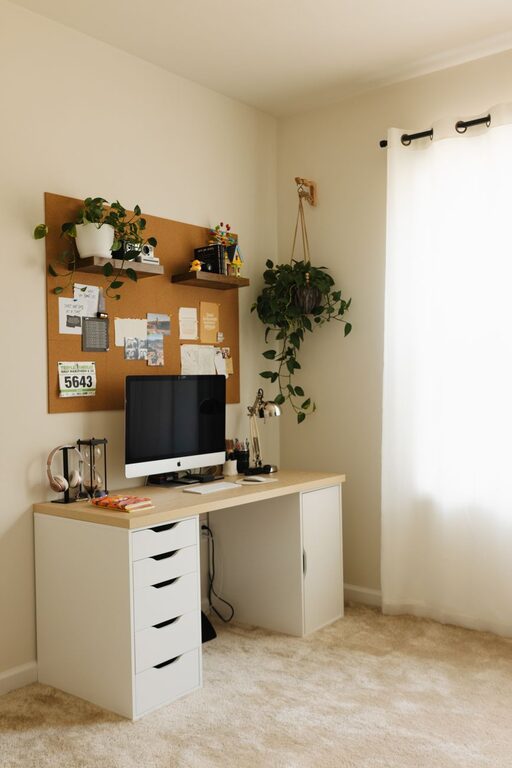
Use storage solutions
Shelves, drawers, and organizers can keep papers and tools tidy. Label containers for easy access to what you need.
Keep only essentials on the desk
Limit desk items to things you use daily to avoid distractions. Store extras in drawers or nearby shelves.
Manage cables
Use cable clips or sleeves to prevent cords from tangling and cluttering your space.
Personalize with Cozy Elements
Adding touches that make the space inviting encourages you to spend time there and feel comfortable.
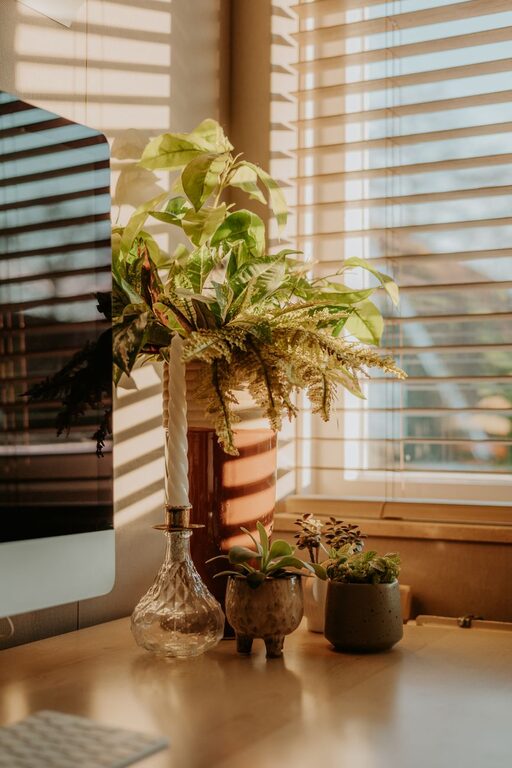
Add plants
Indoor plants improve air quality and add a natural, calming vibe.
Use soft textiles
Incorporate cozy blankets, cushions, or a rug to make the space warm and comfortable.
Display inspiring decor
Photos, artwork, or motivational quotes can personalize your office and boost your mood.
Optimize Lighting
Good lighting reduces eye strain and keeps you alert.
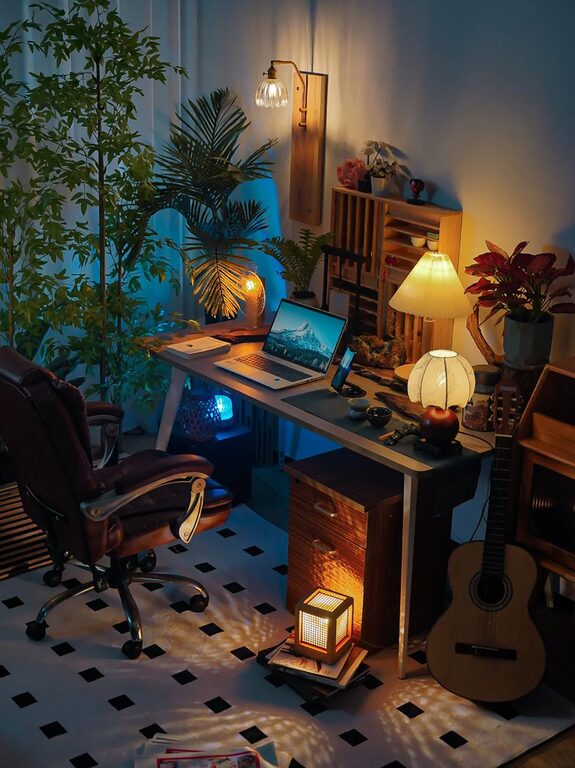
Combine ambient and task lighting
General room lighting paired with a desk lamp helps you work efficiently at any time of day.
Adjustable lighting
Choose lighting with adjustable brightness and color temperature to match different tasks and times.
Create a Routine-Friendly Setup
Design a space that supports your work habits and routine.
Set zones for different tasks
If space allows, create separate areas for computer work, writing, and meetings or calls.
Keep frequently used items close
Arrange your workspace to keep tools and materials you use most within easy reach.
Incorporate breaks and movement
Consider setting up a standing desk option or an area where you can stretch and move during breaks.
Keep Technology Up to Date
Reliable and efficient technology helps you work smoothly and avoid frustration.
Choose the right equipment
Invest in a good quality monitor, keyboard, and mouse. A webcam and microphone are key if you attend virtual meetings.
Maintain fast internet connection
A strong, stable internet connection prevents interruptions during important work.
Maintain Balance and Well-Being
Your home office should support your overall health and work-life balance.
Separate work and personal areas
Try to keep your office space distinct from relaxation zones to maintain a mental boundary between work and home life.
Incorporate natural breaks
Step away from your desk regularly to refresh your mind and body.
—
Designing a cozy and productive home office takes some planning, but creating an environment tailored to your needs can boost comfort and efficiency. Small changes, from better lighting to personalized decor, can make your workspace one you enjoy and thrive in every day.